AI study workspace

Turn any document into quizzes, coding exercises and interactive study sessions — an AI study companion that adapts to how you learn.

Free plan available. No credit card needed.

01The idea

What is Noesis?

One place where your material becomes a complete study system.

01

Bring or generate your material

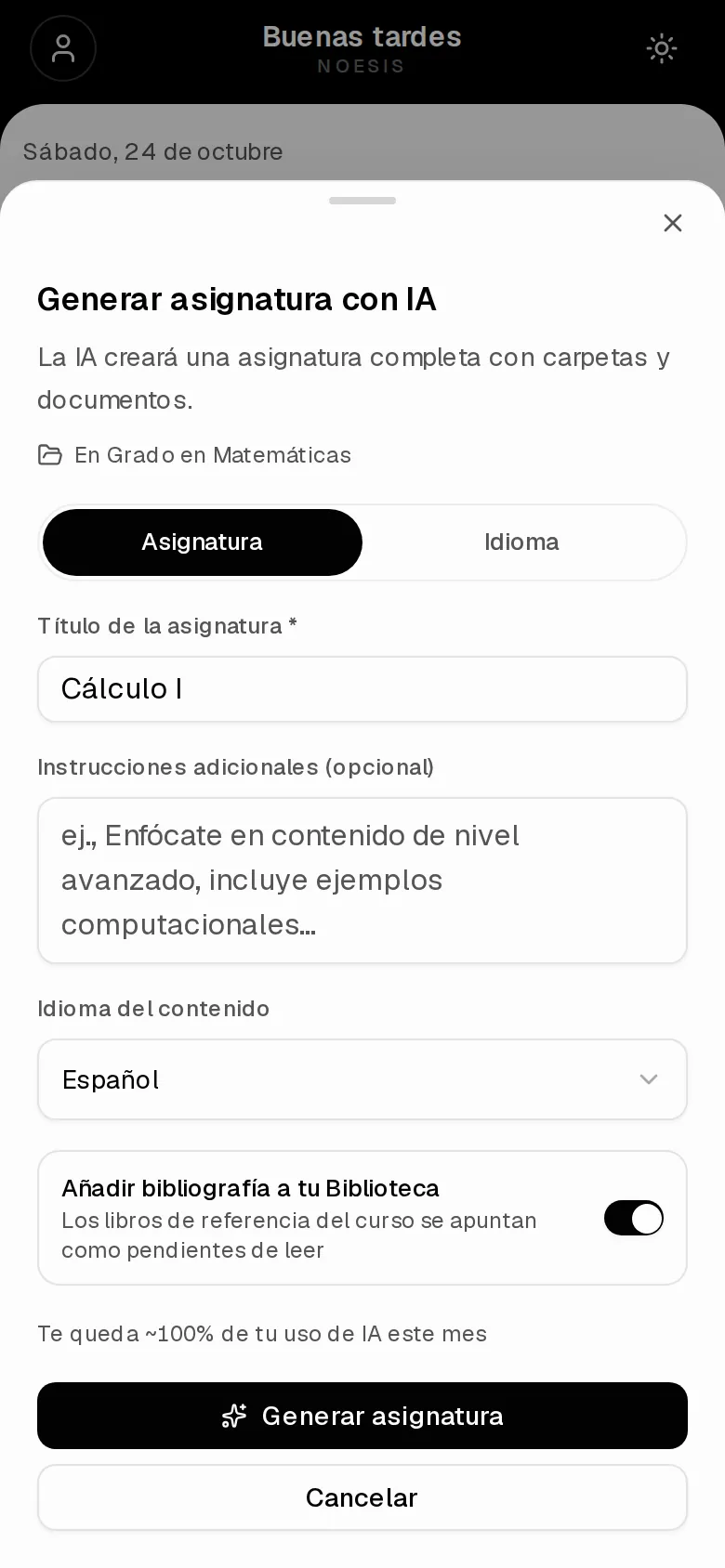
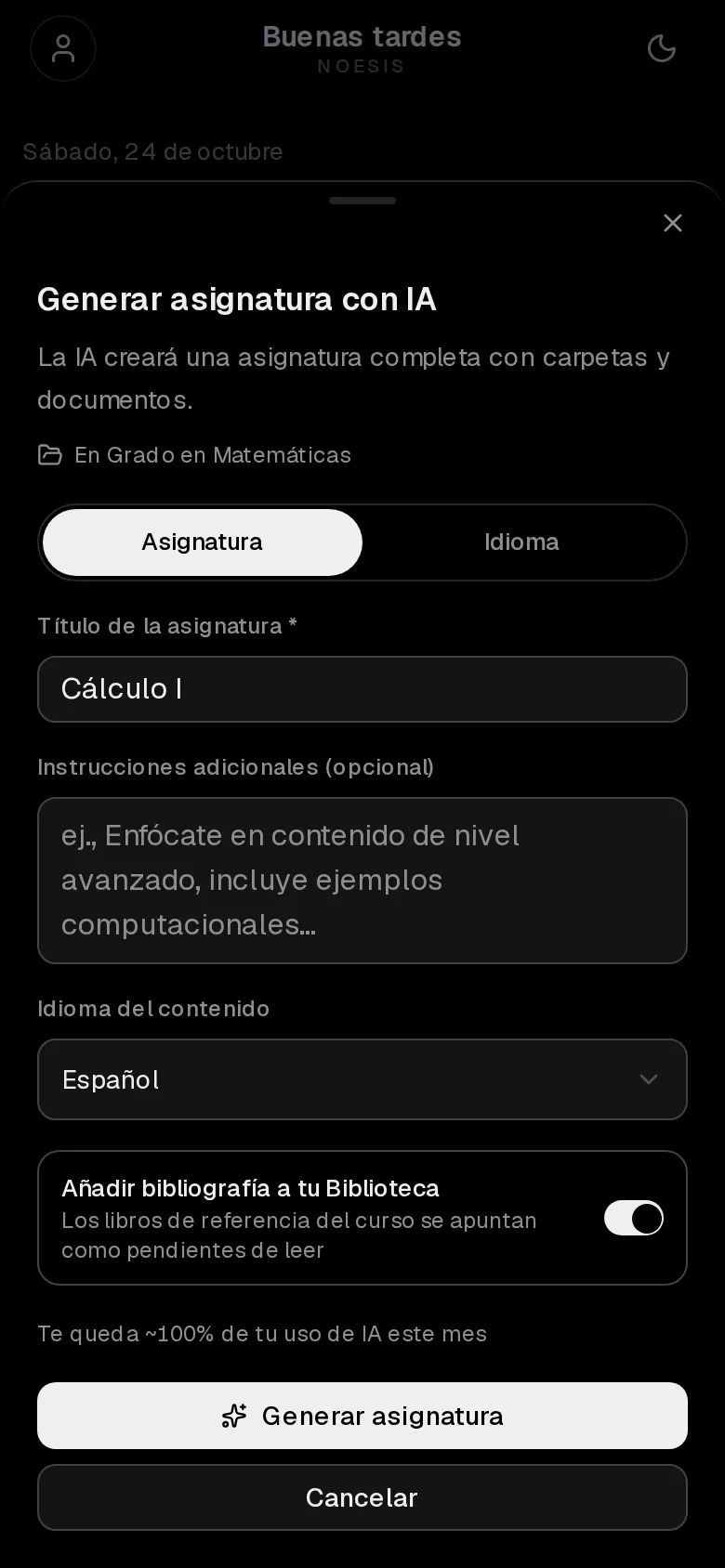
Upload PDFs and notes, or describe any topic and Noesis builds the whole subject for you — syllabus, lessons and exercises.

02

Study with real tools

Immersive reader, handwritten notebook, speed reading and an AI tutor that knows exactly what's in your documents.

03

Prove you learned it

Quizzes, formal tests and coding exercises graded by AI, with progress tracked across everything you study.

Generate subject

02The product

Built for real studying

Clean, focused, and designed around how students actually work.

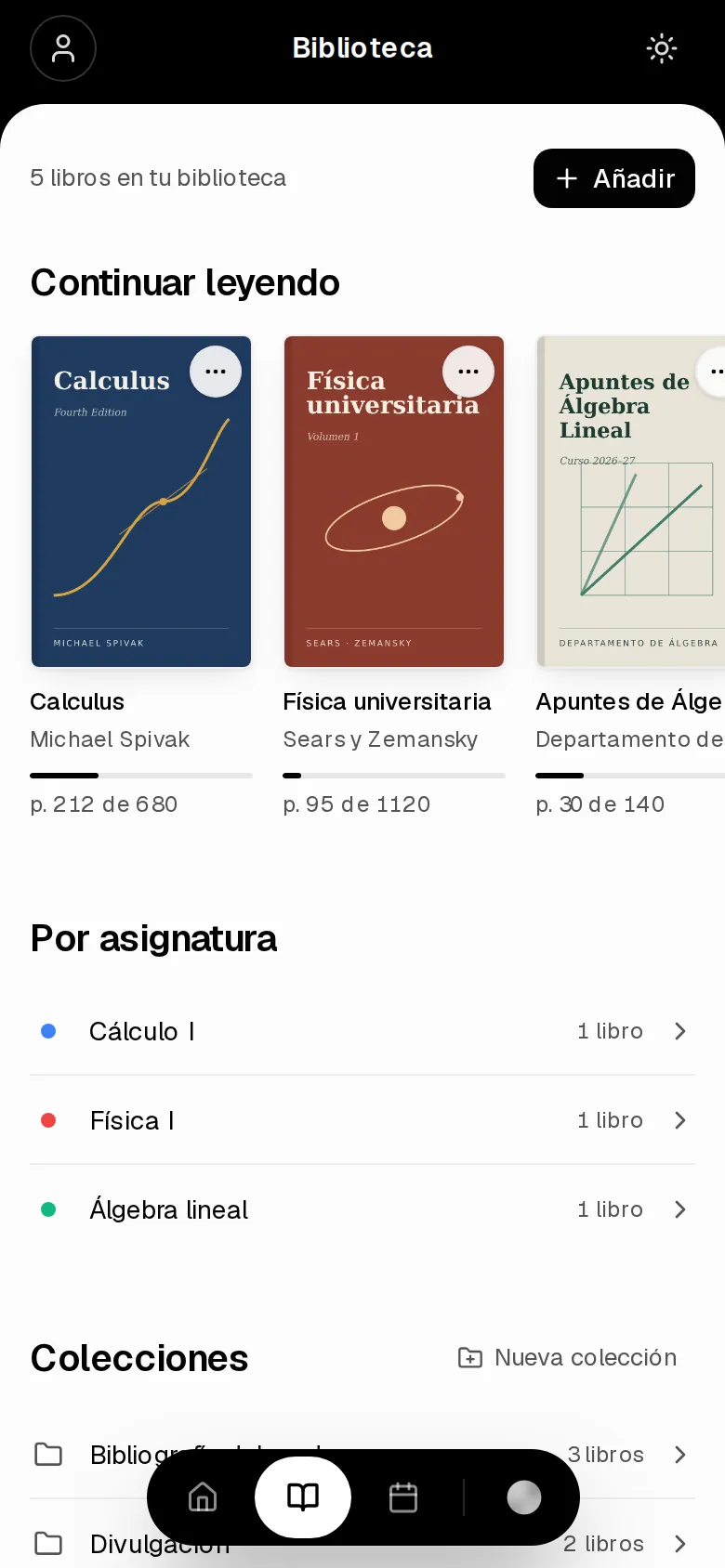
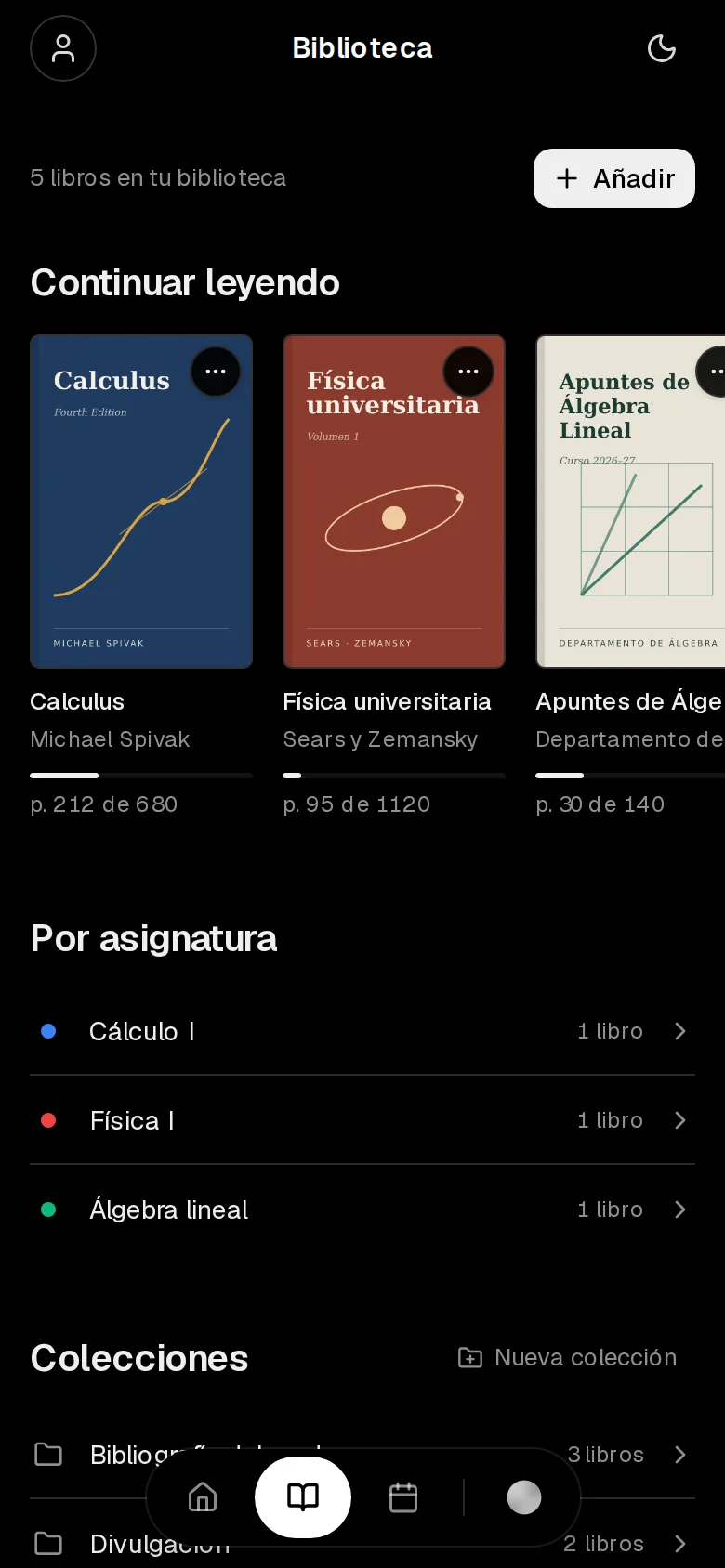
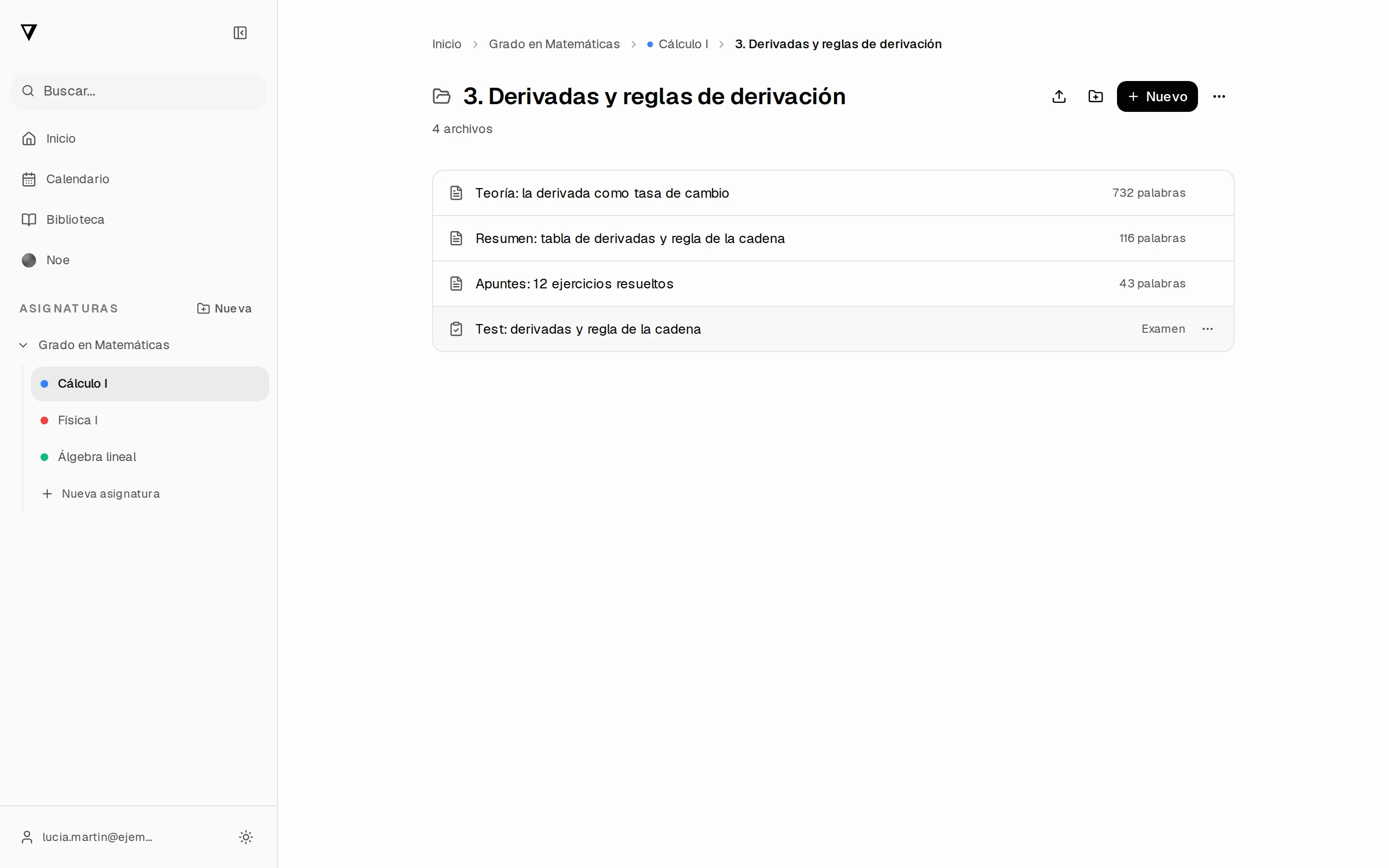
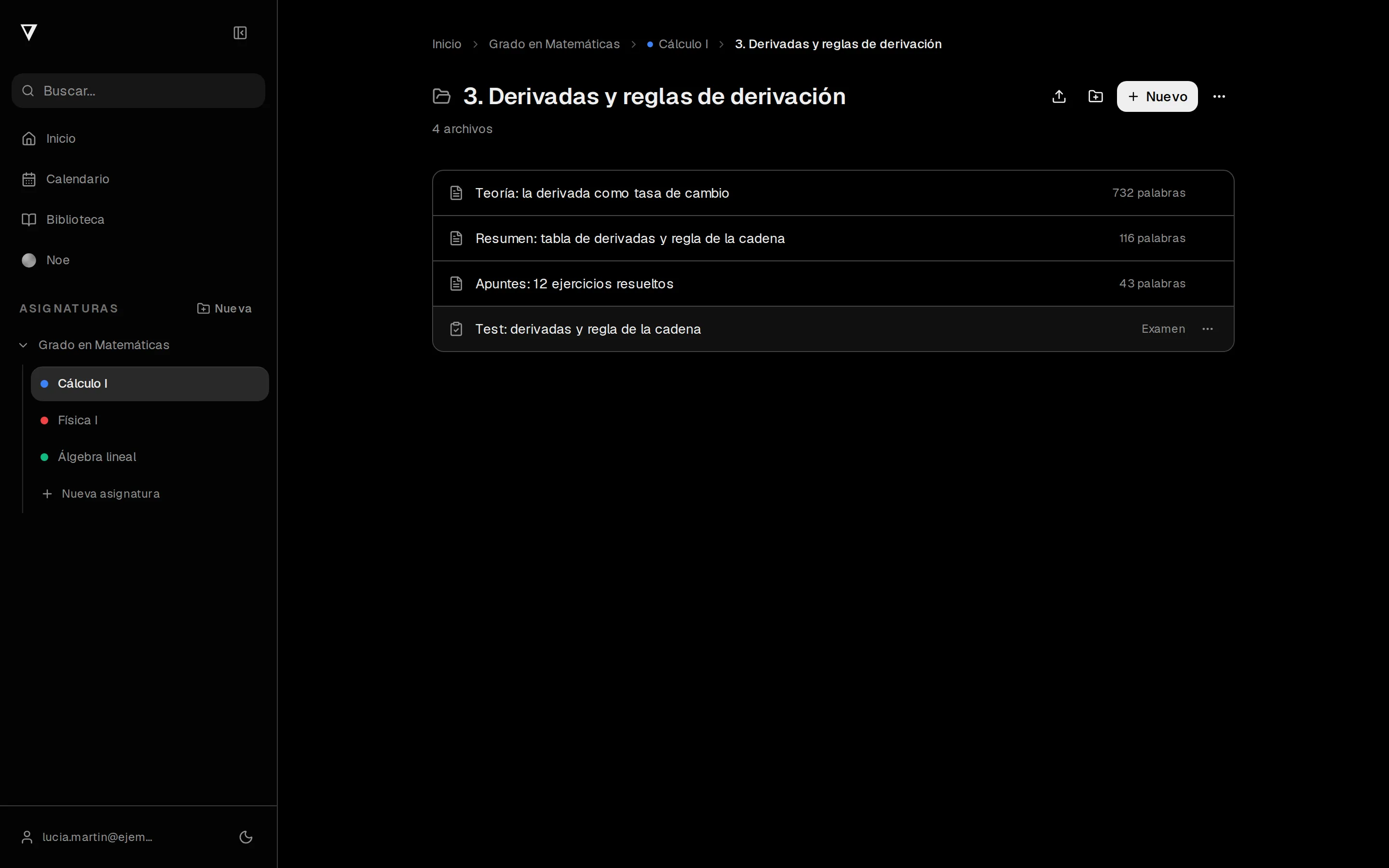
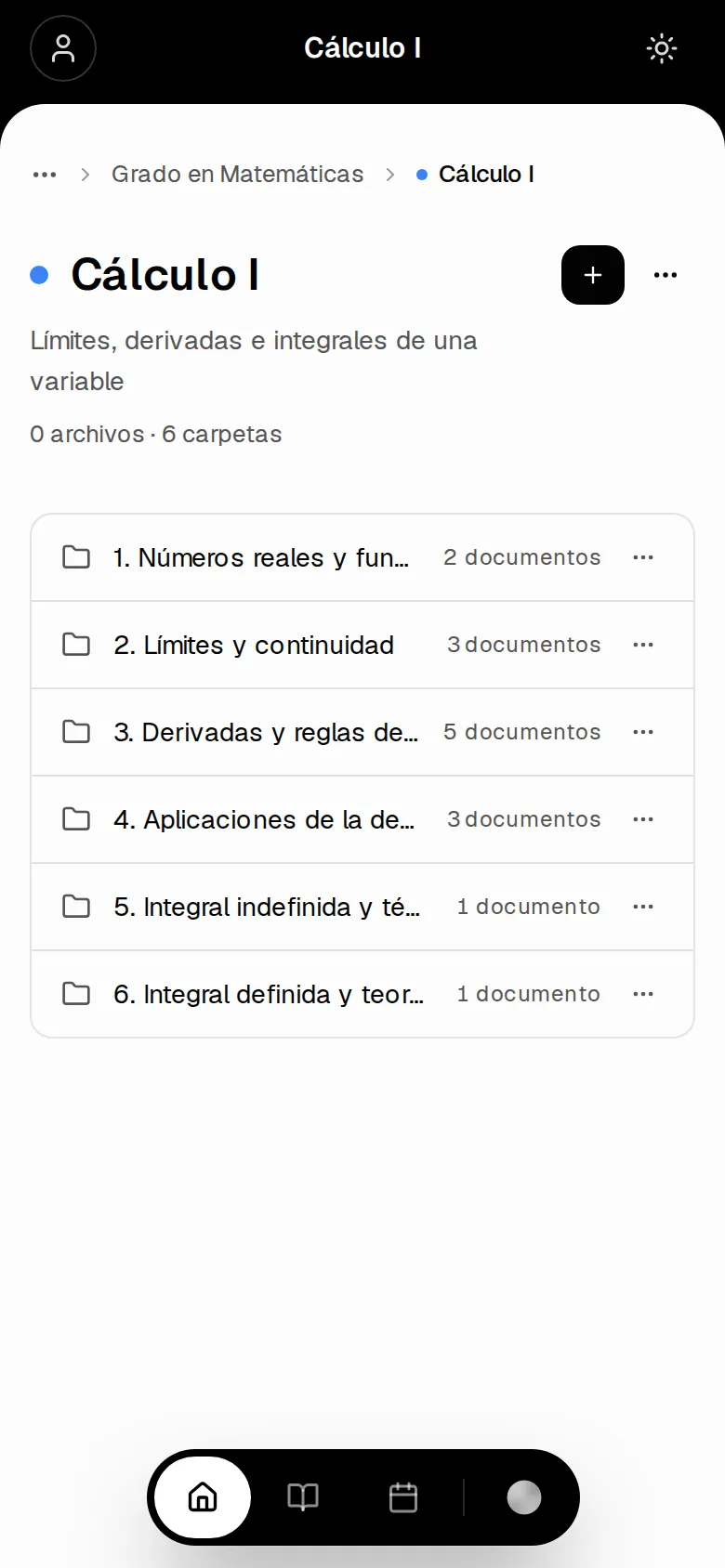
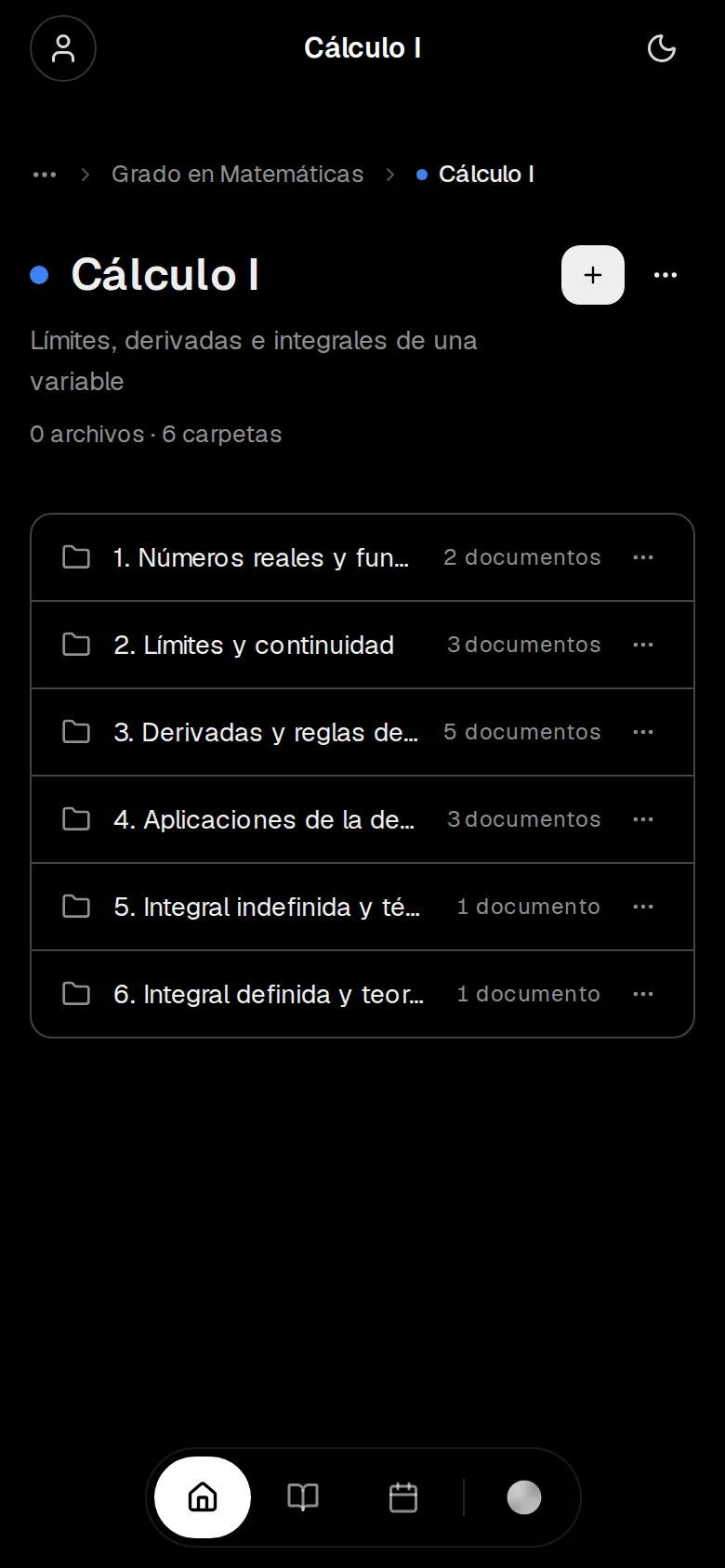
Organize your learning

Structure subjects with folders, documents, and AI-generated content — your entire library in one place.

03Pills

Study like you scroll

Pills turns any note or PDF into a full-screen feed of bite-size cards. Autoplay pacing, lo-fi in the background — and the clock stops until you answer.

Made from your files

Every deck is distilled from your own material — one idea per card, nothing invented.

Interactive by design

Quizzes, fill-the-blanks and code cards interrupt the scroll and make you answer before moving on.

An endless feed

Finish a topic and the next one queues up automatically — your whole library, shuffled into one stream.

Space physics

A teaspoon of neutron star weighs 6 billion tons.

Pills · Black holes
Event horizon

Gravity this extreme bends light itself. Cross the horizon and there is no way back.

Pills · Black holes
Fill the gap

Nothing that crosses the event horizon can escape — not even

light
sound
Pills · Black holes
Quick check

What powers a quasar?

A feeding black hole
A dying star
Pills · Black holes
Recap

Extreme gravity. Bent light. One-way horizons. That's a black hole in 60 seconds.

Pills · Black holes

04The toolkit

Tools that make learning feel different

Each tool is designed to work together, creating a study system that gets smarter as you use it.

AI Tutor

Conversational AI that understands your material, answers deep questions, and explains concepts your way.

Smart Documents

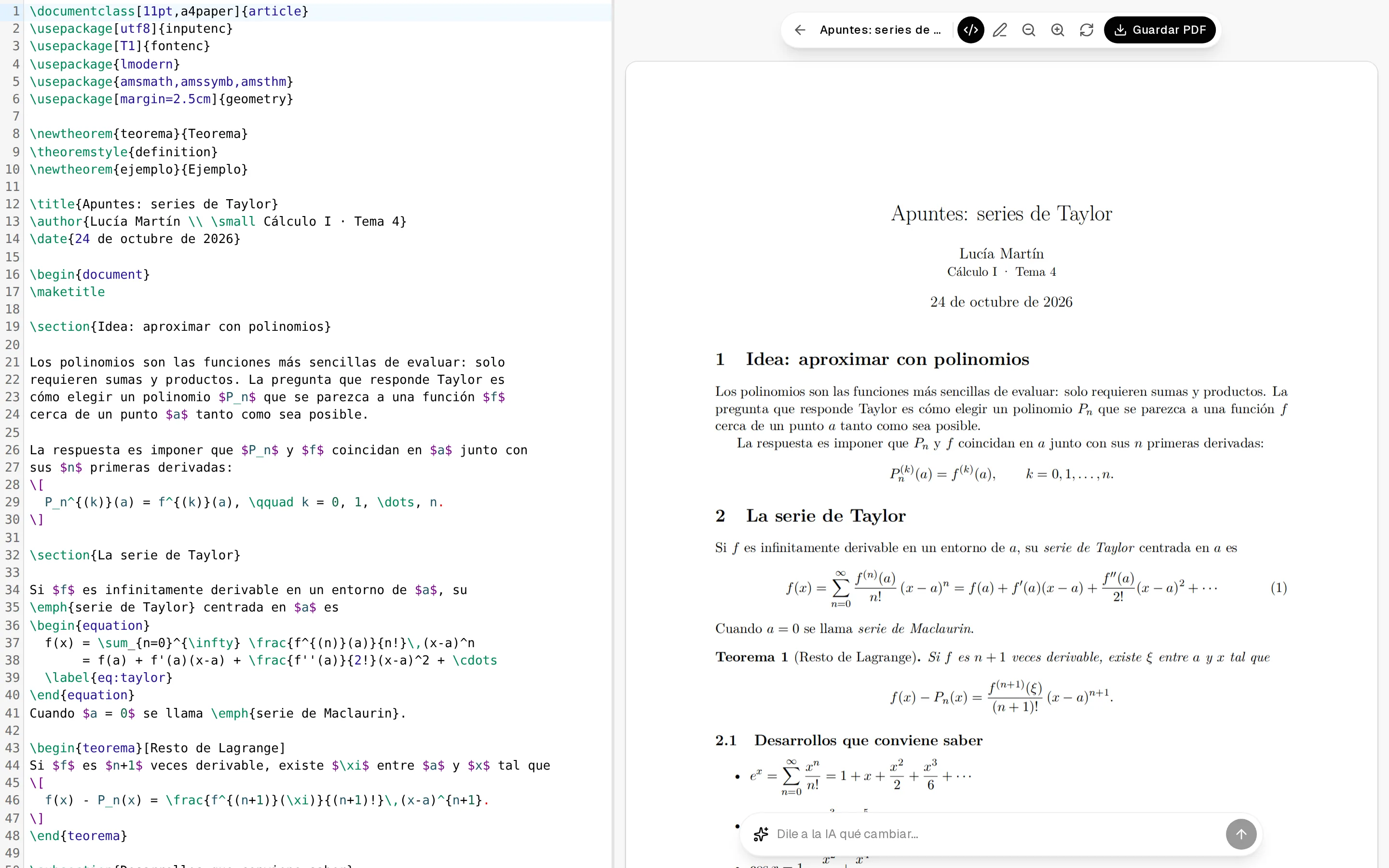
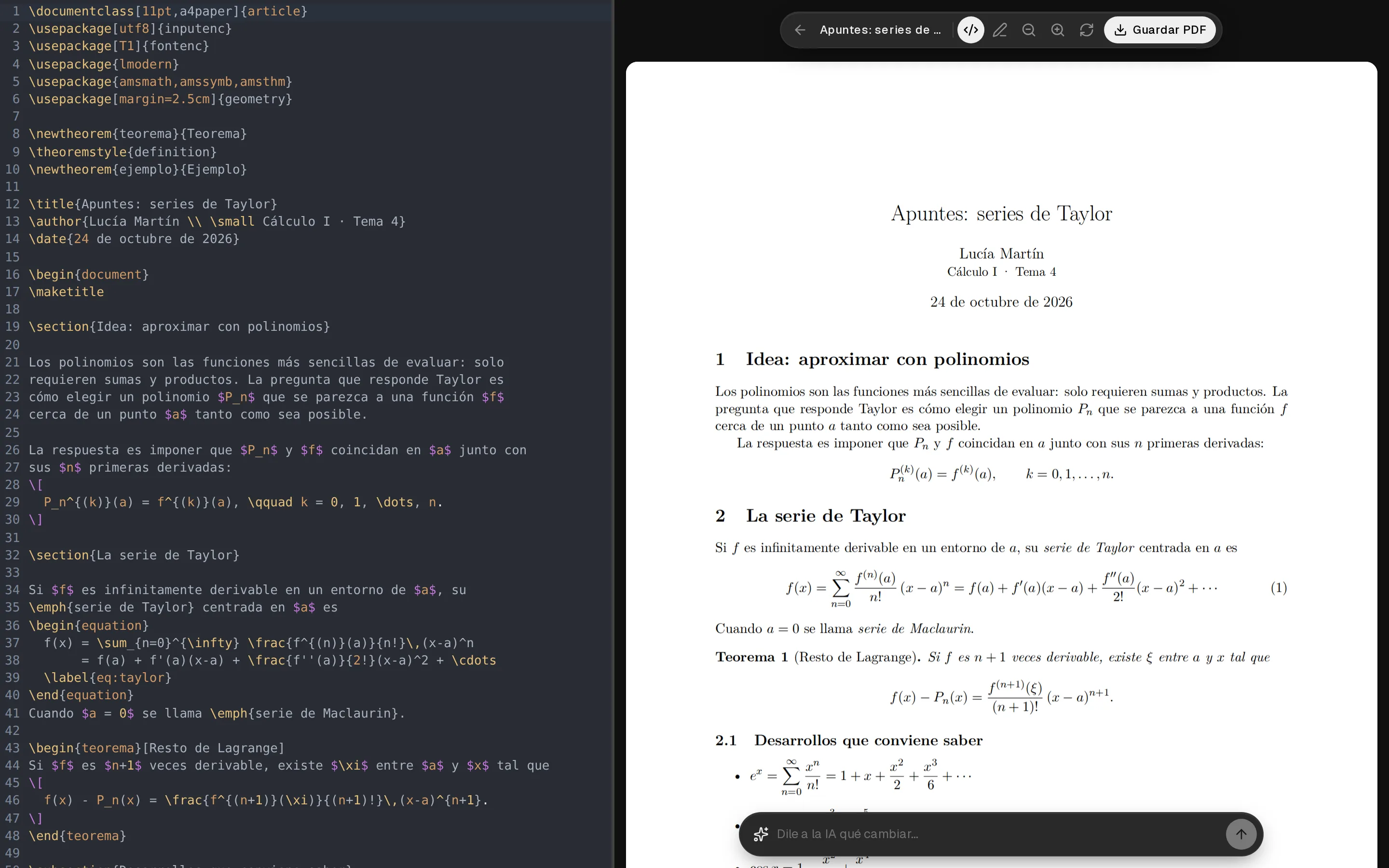
Auto-generated summaries, cheat sheets, and study guides from any source — PDFs, notes, or pasted text.

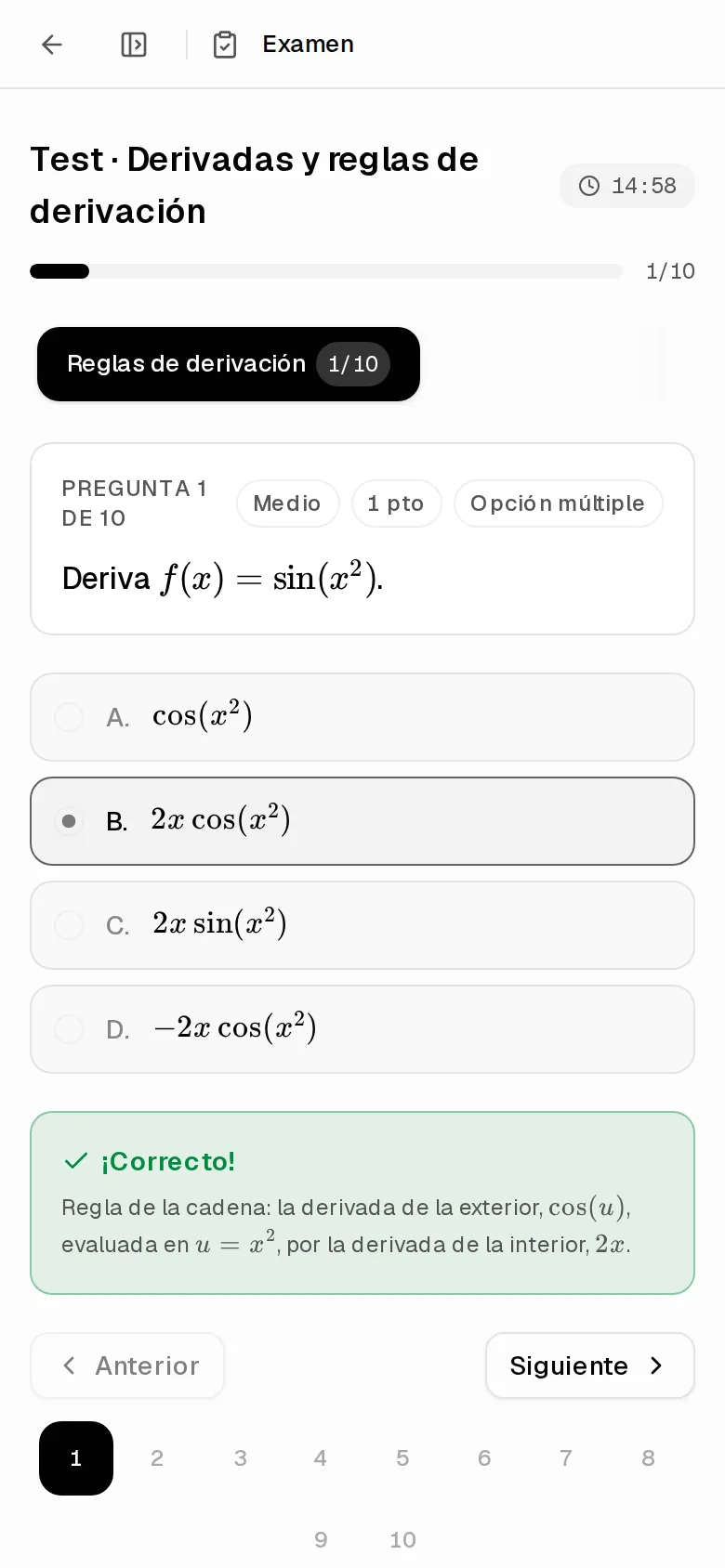
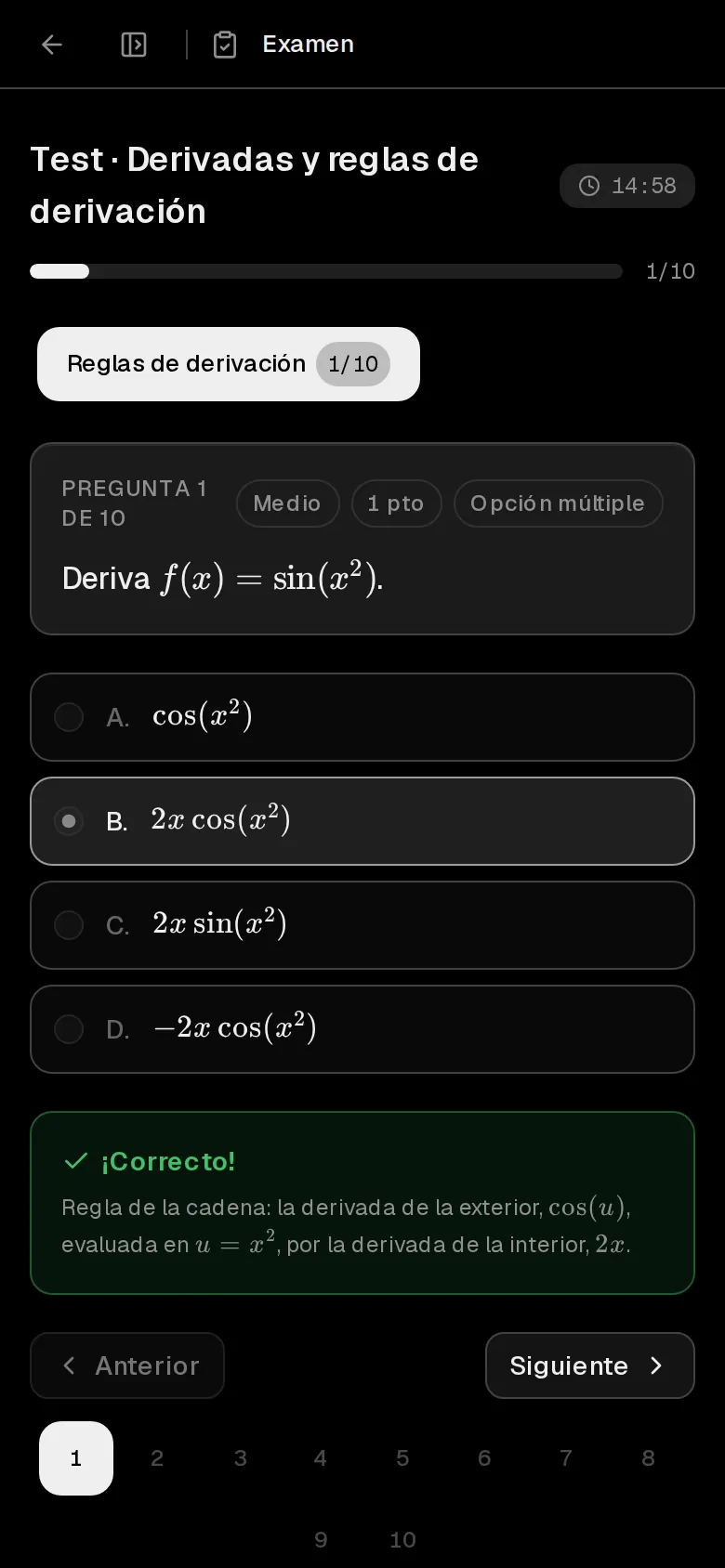
Quizzes & Tests

Multiple choice, true/false, fill-in-the-blank, and open-ended questions with instant AI grading.

Code Playground

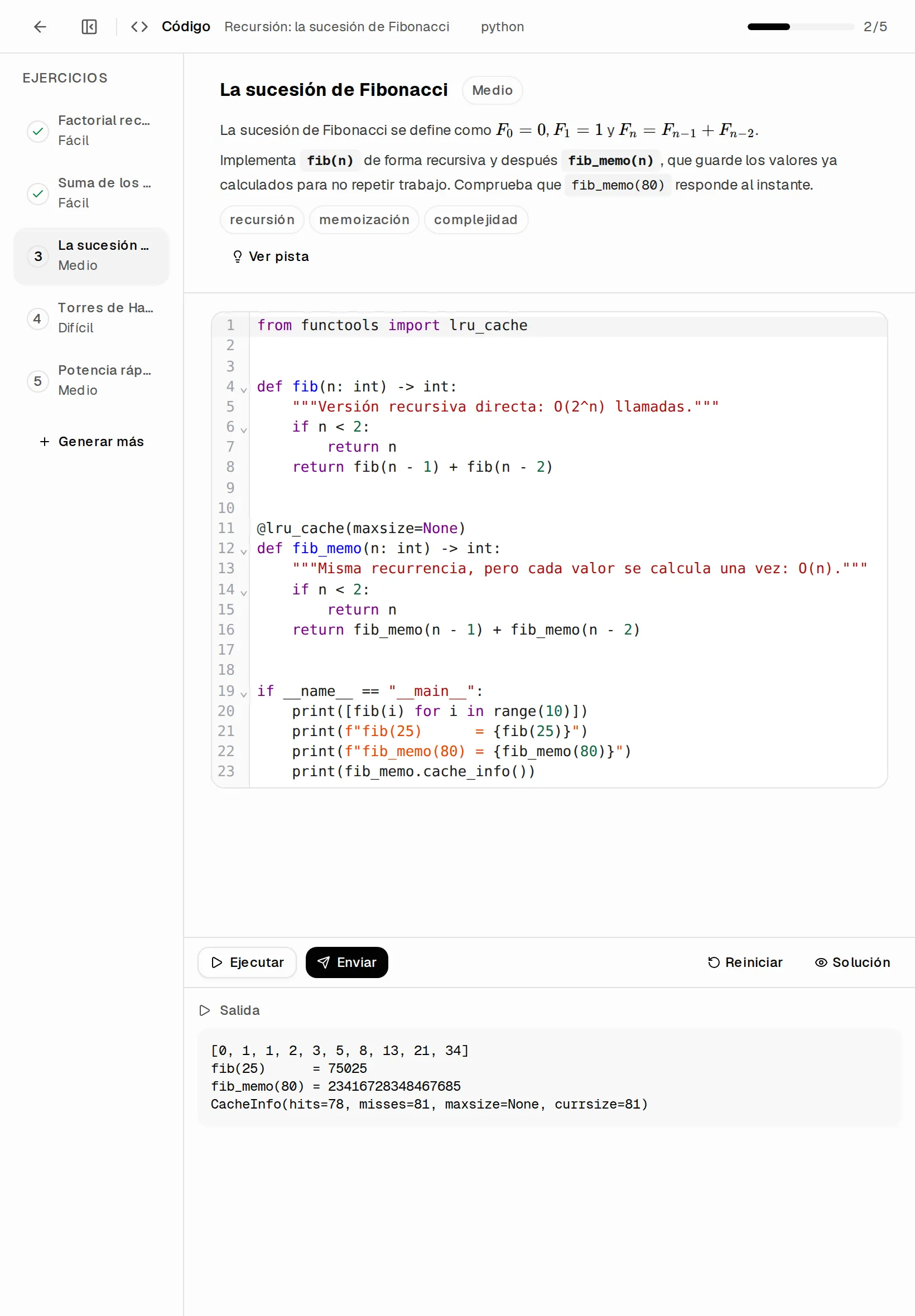
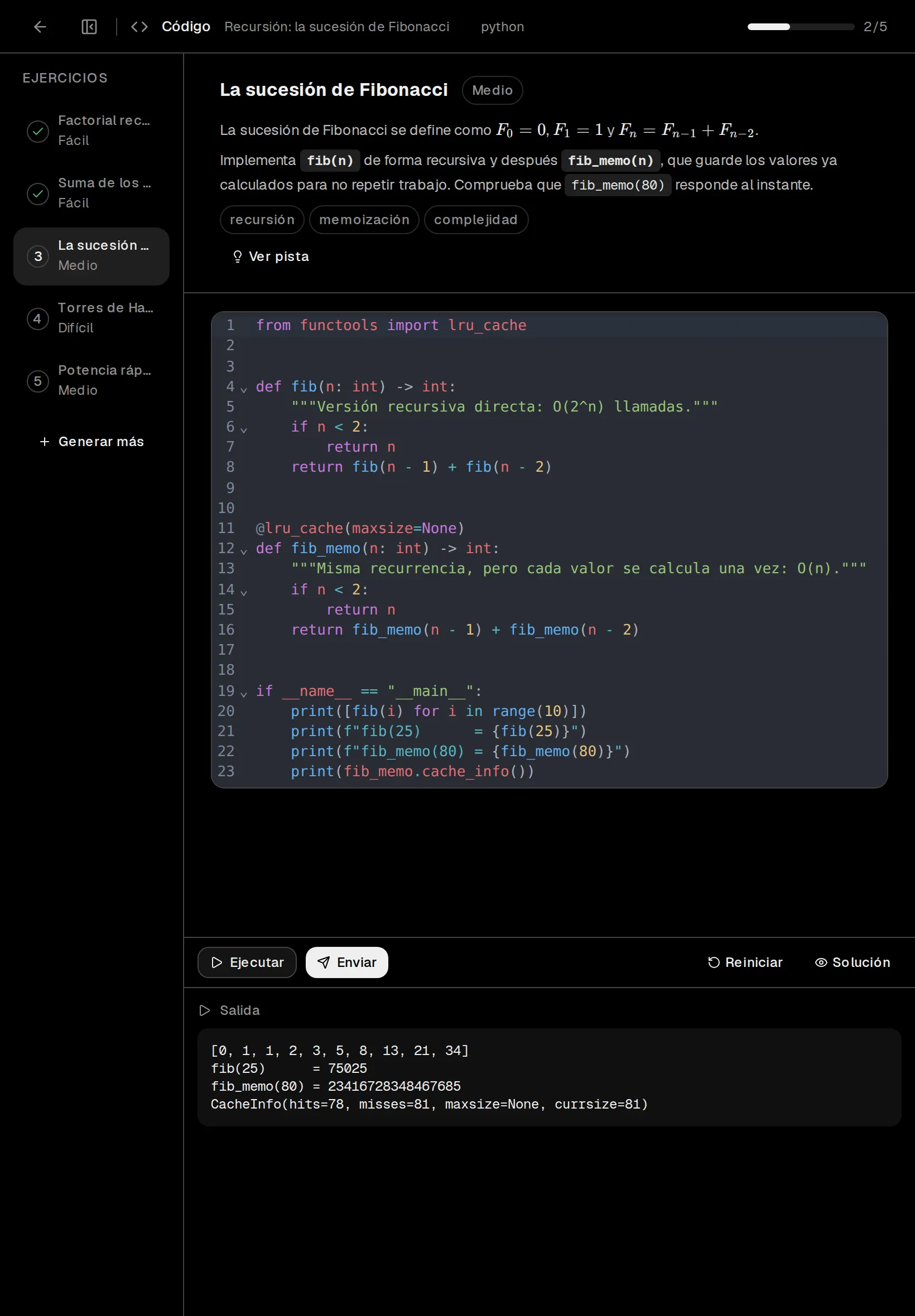
Auto-generated coding exercises in Python, JavaScript, Rust, C++, and more. Run code right in the browser.

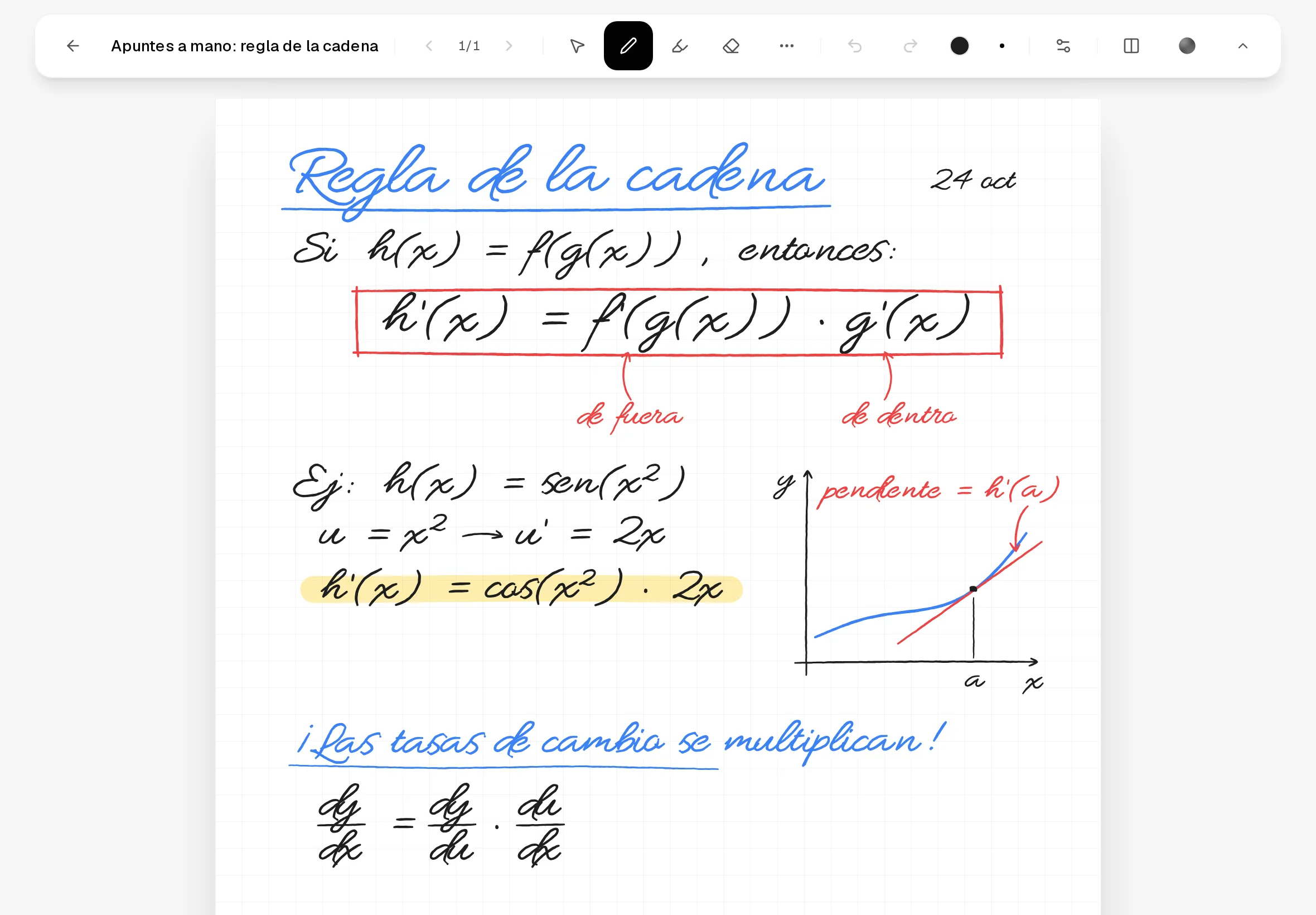
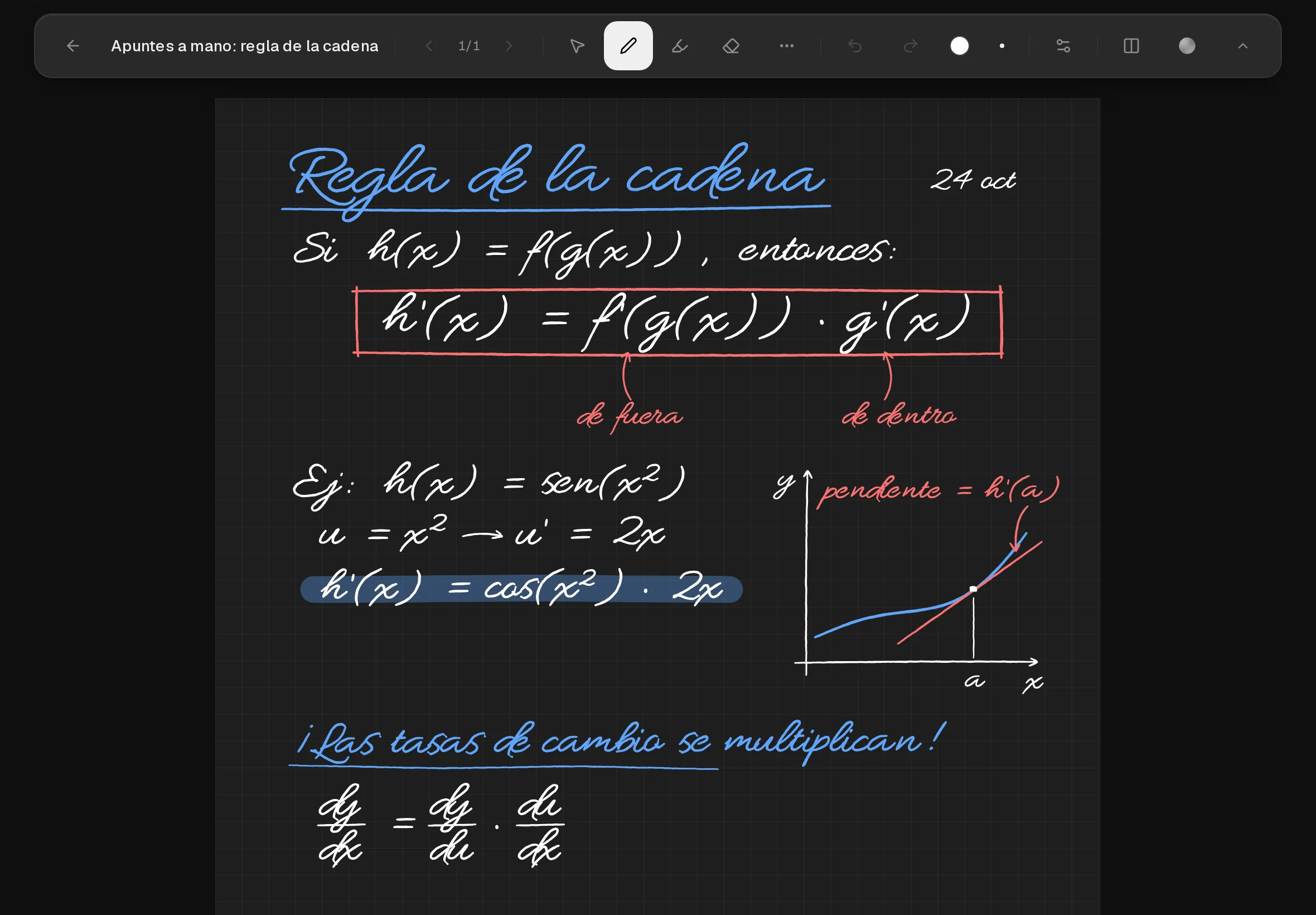
Digital Notebook

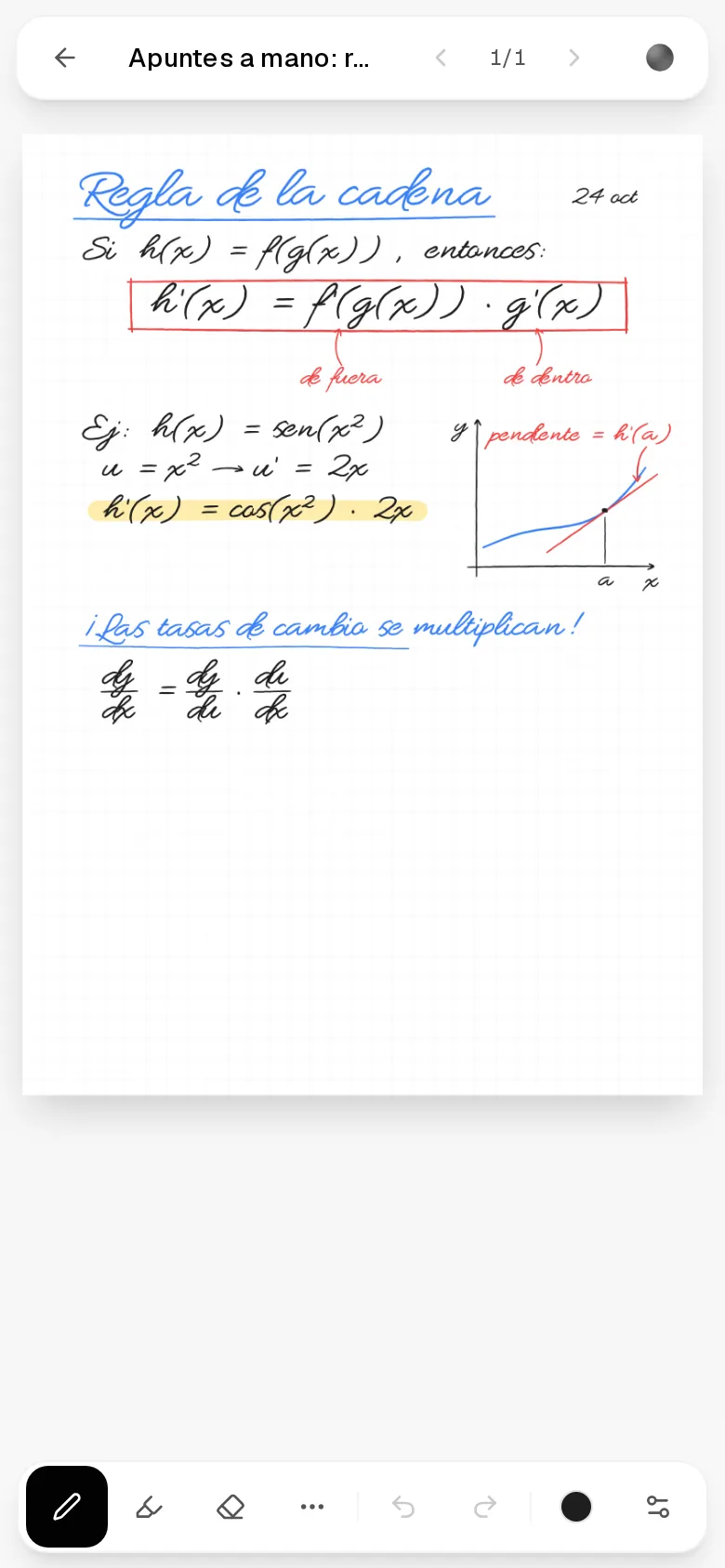
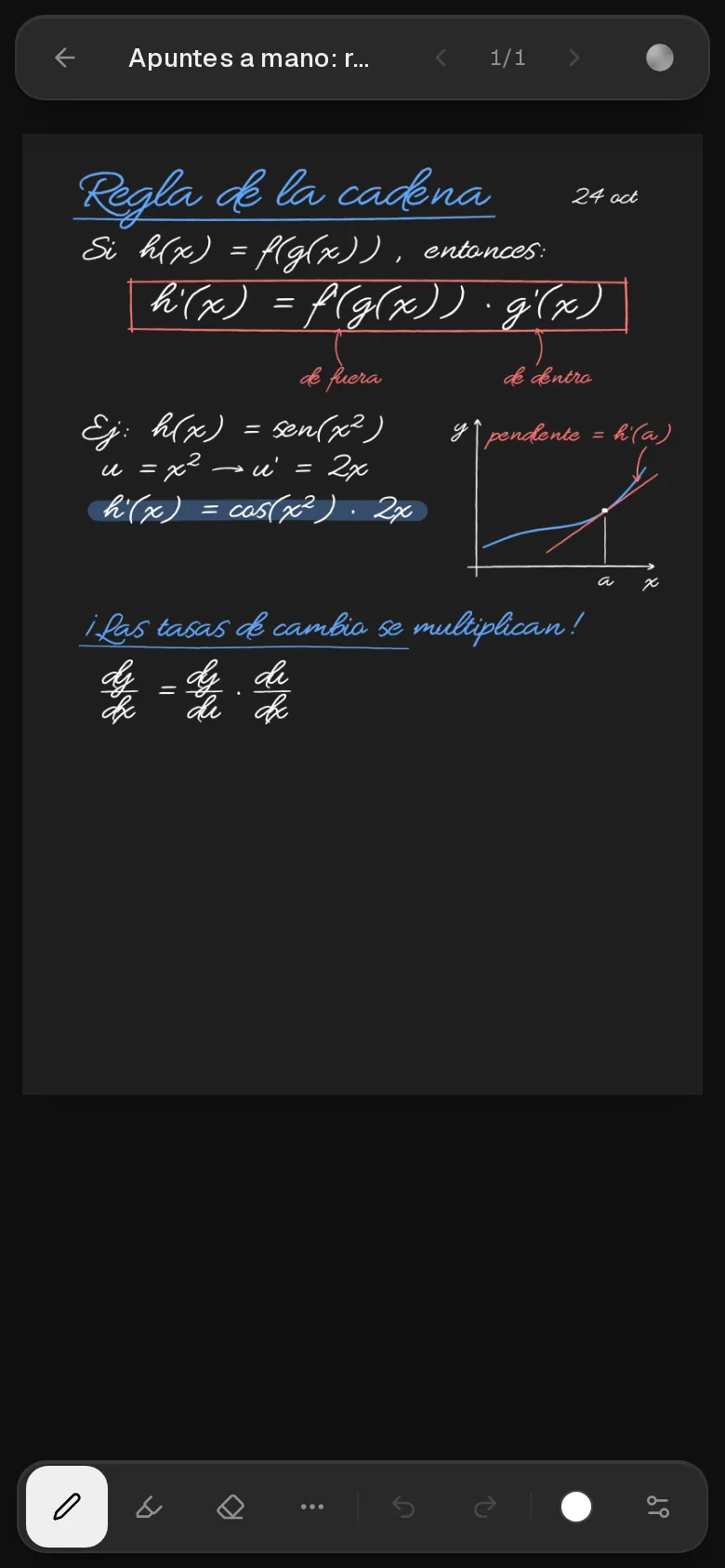
Freehand drawing canvas for diagrams, math, and visual notes. AI reads and understands your sketches.

Speed Reader

Focus mode with adjustable pacing and spotlight navigation. Train yourself to read faster with better retention.

05Generate

Learn anything you can imagine

Describe any topic and Noesis creates a full structured subject — syllabus, lessons, exercises and assessments — ready to study.

Machine LearningOrganic ChemistryConstitutional LawData StructuresMicroeconomicsQuantum PhysicsMusic TheoryStatisticsMachine LearningOrganic ChemistryConstitutional LawData StructuresMicroeconomicsQuantum PhysicsMusic TheoryStatistics
Spanish LiteratureNeuroscienceSystems DesignLinear AlgebraArt HistoryBlockchainThermodynamicsGame TheorySpanish LiteratureNeuroscienceSystems DesignLinear AlgebraArt HistoryBlockchainThermodynamicsGame Theory

06Pricing

Simple, honest pricing

All features on every plan. Upgrade for more usage.

Free

$0/mo

100 MB of storage and a monthly AI allowance to get started. Every feature included.

Get started

Pro

$29.99/mo

10 GB of storage (100×) and 10× the monthly AI allowance. Priority support included.

Upgrade to Pro

Included in every plan

AI tutor chat
Quiz & test generation
Document summaries
Code playground
Speed reader
Subject generation with web search

07Everywhere

Paper meets pixel

Noesis notebooks are built for Apple Pencil. Write equations, sketch diagrams, annotate your notes — then add the web app to your home screen and study anywhere.

Apple Pencil native

Pressure-sensitive handwriting on an infinite canvas. Solve problems by hand, just like paper.

Add to home screen

Install as a web app on iOS or Android. Full-screen, instant launch — no app store needed.

Every screen, one experience

Start on your Mac, pick up on your iPad, review on your phone. Everything syncs.

08On your phone

No app store. Just add it.

Noesis is designed to be used as an app: full-screen, instant launch, home-screen icon. On iOS, installing it takes two taps.

Step 1

Open noesis.app in Safari

On your iPhone or iPad — no App Store, no download, nothing to update.

Step 2

Tap Share

The square with the arrow, right there in Safari's toolbar.

Step 3

Add to Home Screen

Noesis lands next to your apps — with its own icon.

Once installed it runs edge-to-edge, launches from your home screen and feels native — that's how Noesis is meant to be used on the phone. Android works the same way from Chrome.

Your next study session starts here

Upload your first document or generate a subject in seconds.